help page for multimedia systems

Find help and updates for your Renault multimedia system. 

system updates

Check if your vehicle needs an update. Enjoy the latest features for your multimedia system after completing just a few steps.
R-LINK Evolution
EASY LINK
R-LINK Evolution
R-LINK EVOLUTION
R-LINK2
R-LINK 2
Media Nav Evolution
Media Nav Evolution
Carminat Tom Tom
Carminat Tom Tom
map updates
If you would like to add your maps, click on the button below.
Android Auto update for openR link
If your vehicle is not connected to the Internet, you can manually update Android Auto on your openR link multimedia system. 

online help

got a question about your multimedia system?

Get help from our range of tutorial videos, FAQ and downloadable documents.
openR link with Google built-in

Unlock the full potential of your new openR link multimedia system with Google built-in*. Personalise trips with Google Maps and Google Play applications, enhancing your automotive experience with My Renault connected services.  

*Google, Google Play, Android Auto and Google Maps are Google LLC trademarks .
Renault CONNECT
EASY LINK
R-LINK 2
R-LINK 2
R-LINK Evolution
R-LINK Evolution
Media Nav Evolution
Media Nav Evolution
Radio Connect R&GO
Radio Connect R&Go
Carminat Tom Tom
Carminat Tom Tom

go further...

Multimedia connected services
MY Renault
Add to your range of connected services
Multimedia system
forum
Find out more about your multimedia system

Renault Iraq · Al-Bilad Al-Mutahida

Multimedia updates and help

Start with the system fitted to your vehicle. Software and map updates follow different procedures for each multimedia system.

Updates & help

Get to know your system

Software updates

Use the official guidance for the installed system and software version.

Map updates

Confirm region coverage and compatibility before downloading or buying a map package.

Need a hand?

Note the message on screen and your system version, then contact Renault Iraq.

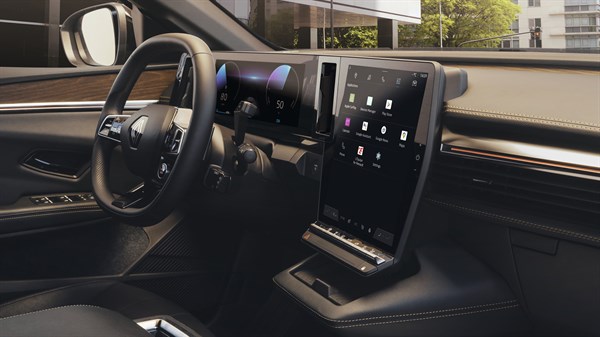
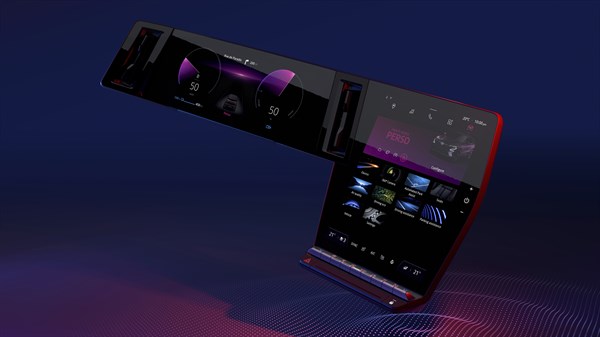
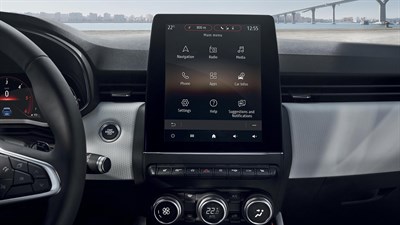
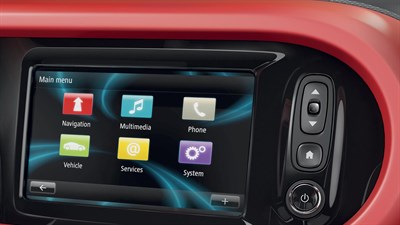
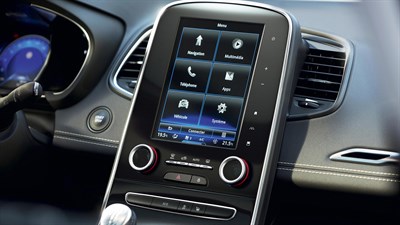
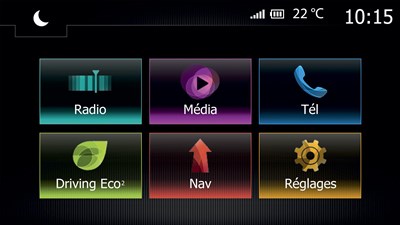
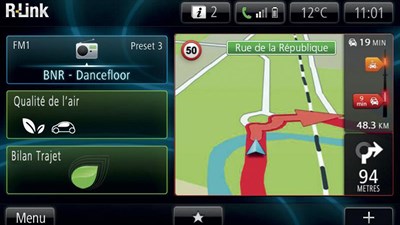
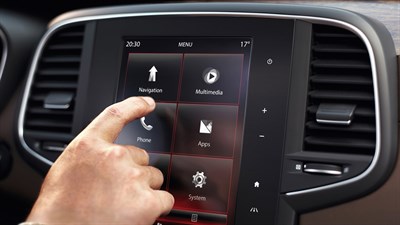
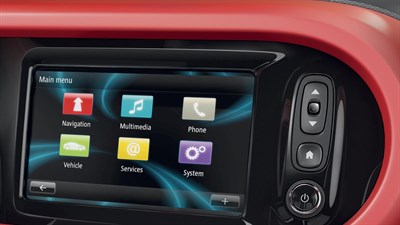
Illustrative system image. Vehicle equipment may differ.

The right information for your vehicle

Equipment, smartphone compatibility, maps and connected services vary by model, production date, software version and market. Ask Renault Iraq to confirm what is available for your vehicle.

01

Identify your system

Check the system name in your vehicle handbook or multimedia settings.

02

Check compatibility

Confirm the vehicle specification, phone model and software version.

03

Choose the right support

Follow guidance for that system, or call 6677 for assistance.

Find the system in your Renault

Your questions, answered

How do I identify my system?

Check the multimedia settings and the handbook supplied with your vehicle. If unsure, send the system name or a photo of its home screen to the service team.

Will every feature work on my Renault?

Availability depends on the installed equipment, software and market. A software update does not automatically add hardware-dependent functions.

Can I use connected-service offers from France?

Please confirm availability in Iraq with the local team before subscribing or purchasing.

System information — Renault France (French) ↗

French-market information is a technical reference. Local equipment and service availability must be confirmed with Renault Iraq.

Help with your Renault, here in Iraq

Al-Bilad Al-Mutahida, the official dealer for the French Renault brand in Iraq. Have your model, year, system name and software version ready when contacting the team.